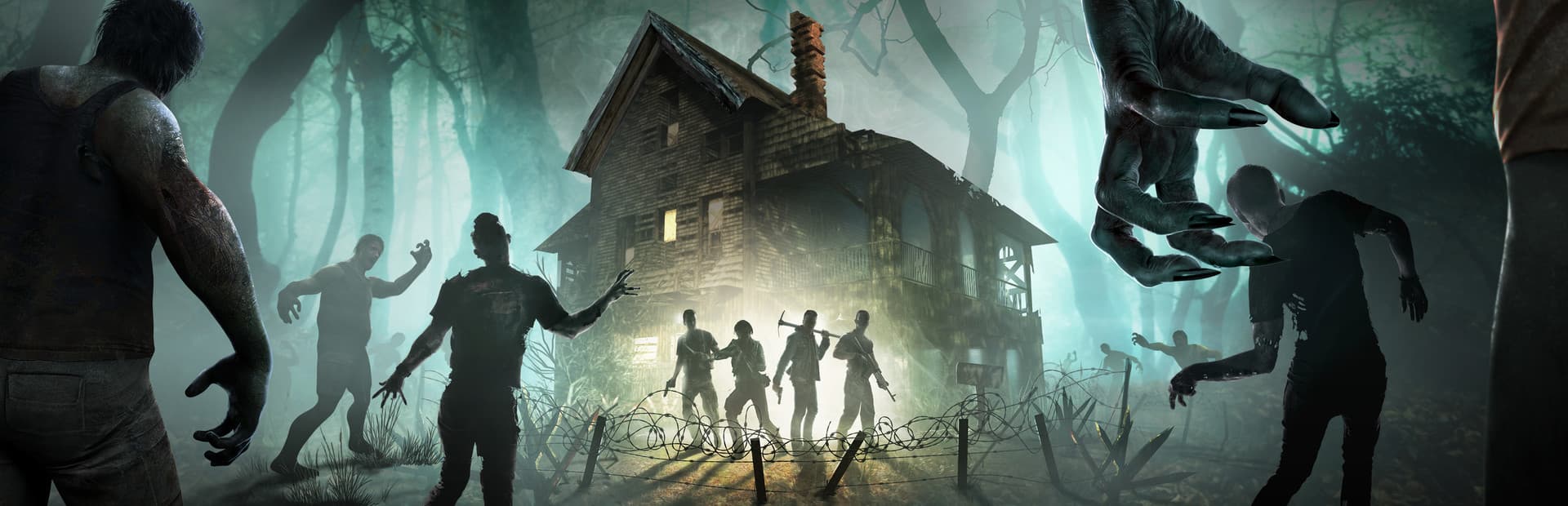
7 Days to Die Server Hosting
Survive the horde night — every seventh night, on your own terms.
Configure your server
Player Slots
Server Location
Monthly price
$4.40
Instant setup · 72-hour money-back guarantee · Cancel anytime
Overhaul Mod Ready
Darkness Falls and friends install cleanly via the file manager.
Config Editor
Full serverconfig.xml control from the panel.
Scheduled Restarts
Keep long-running worlds fresh with automated restarts.
Map Choice
Navezgane or random-gen worlds with your seed.
A control panel that stays out of your way
Your 7 Days to Die server comes with the full HyperNode panel — live console, file manager, mod installer, backups, and schedules in one fast dashboard.
- Live web console
- Full file manager
- One-click mod installer
- Off-site backups
- Startup variable editor
- Scheduled tasks & restarts
▋Why host a dedicated 7 Days to Die server?
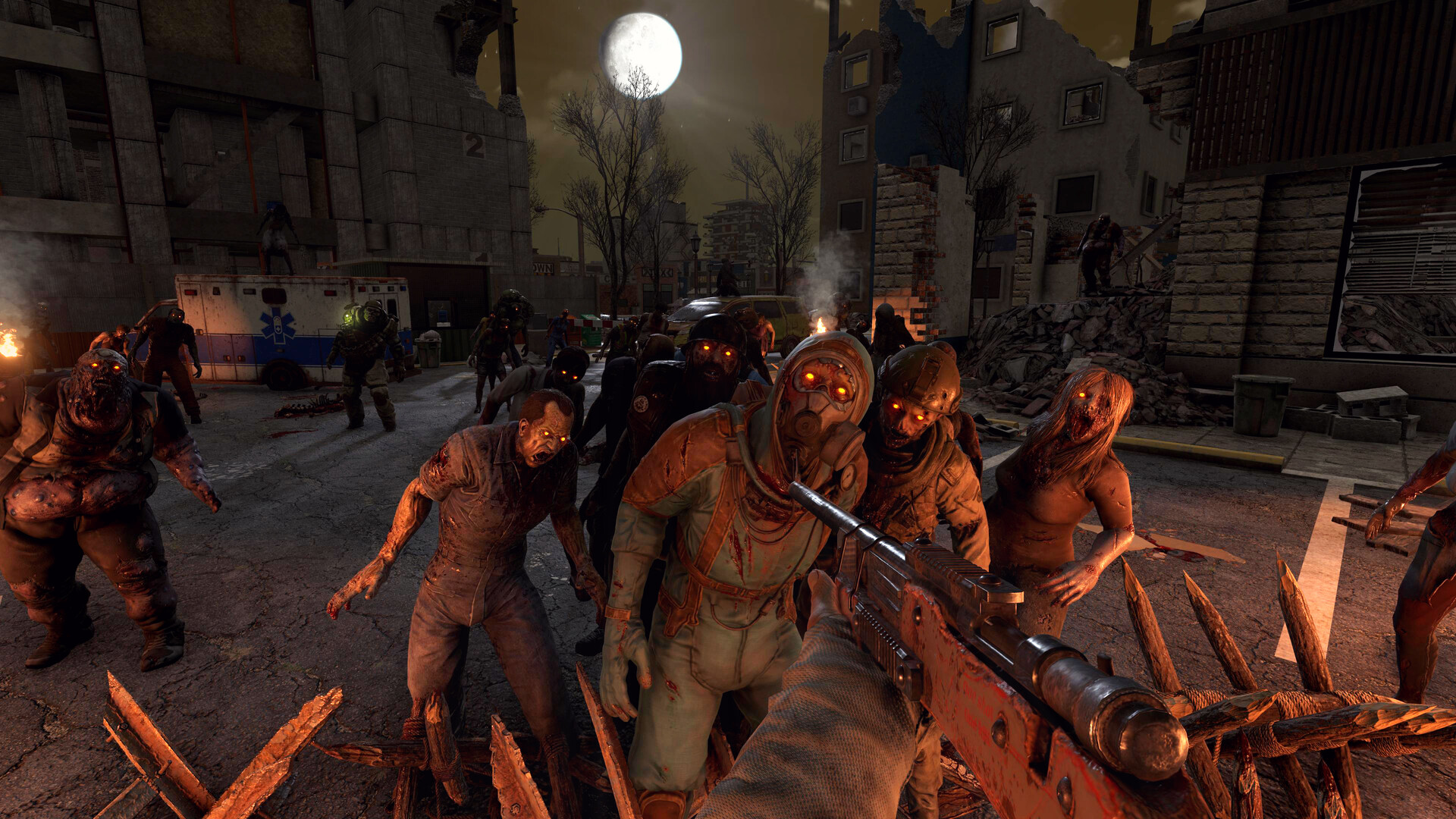
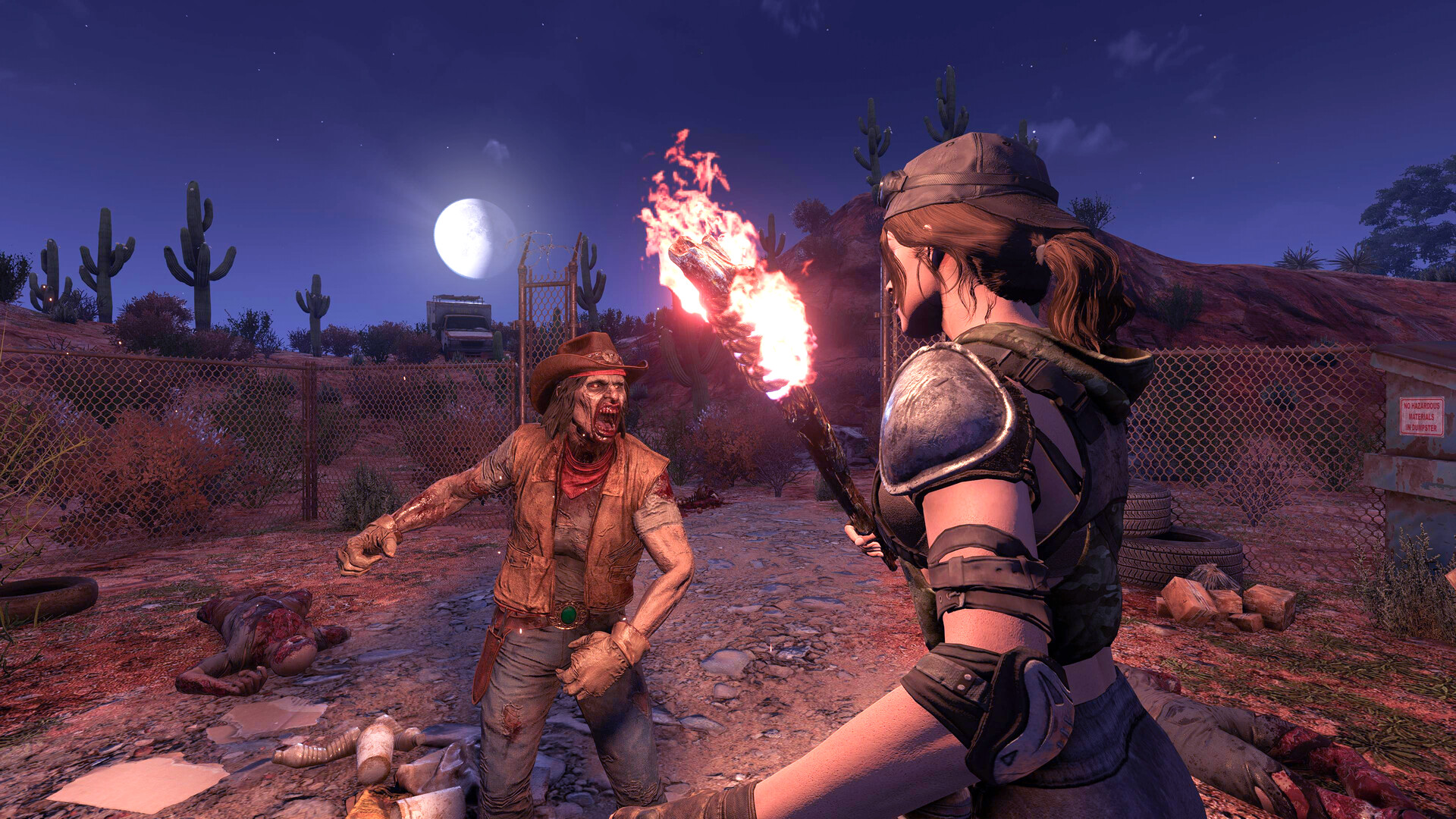
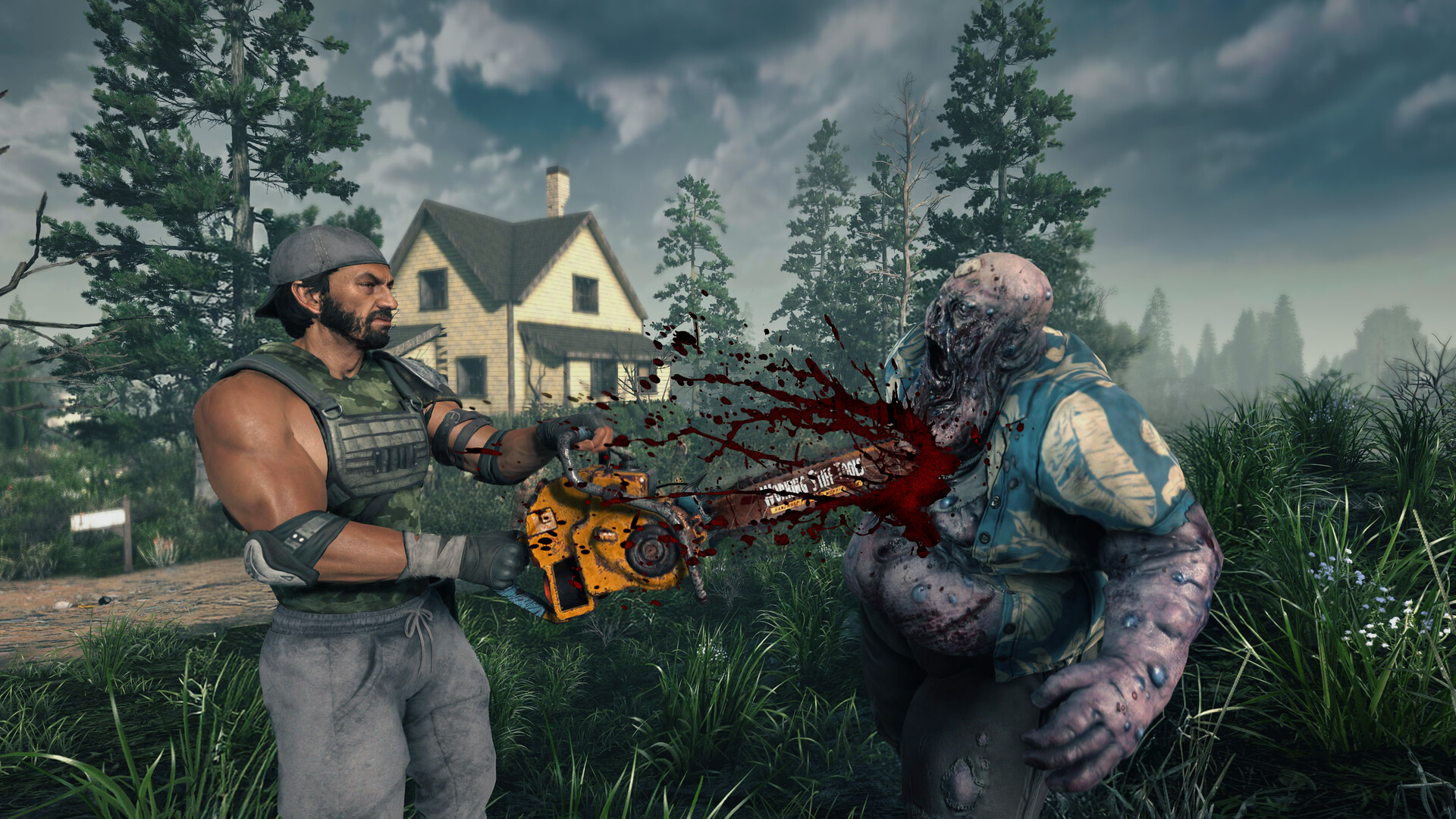
7 Days to Die fuses tower defense, crafting, and open-world survival into one relentless loop: loot, build, and fortify before the blood moon horde arrives. Dedicated hosting keeps your fort standing and your loot respawning on a world that never pauses.
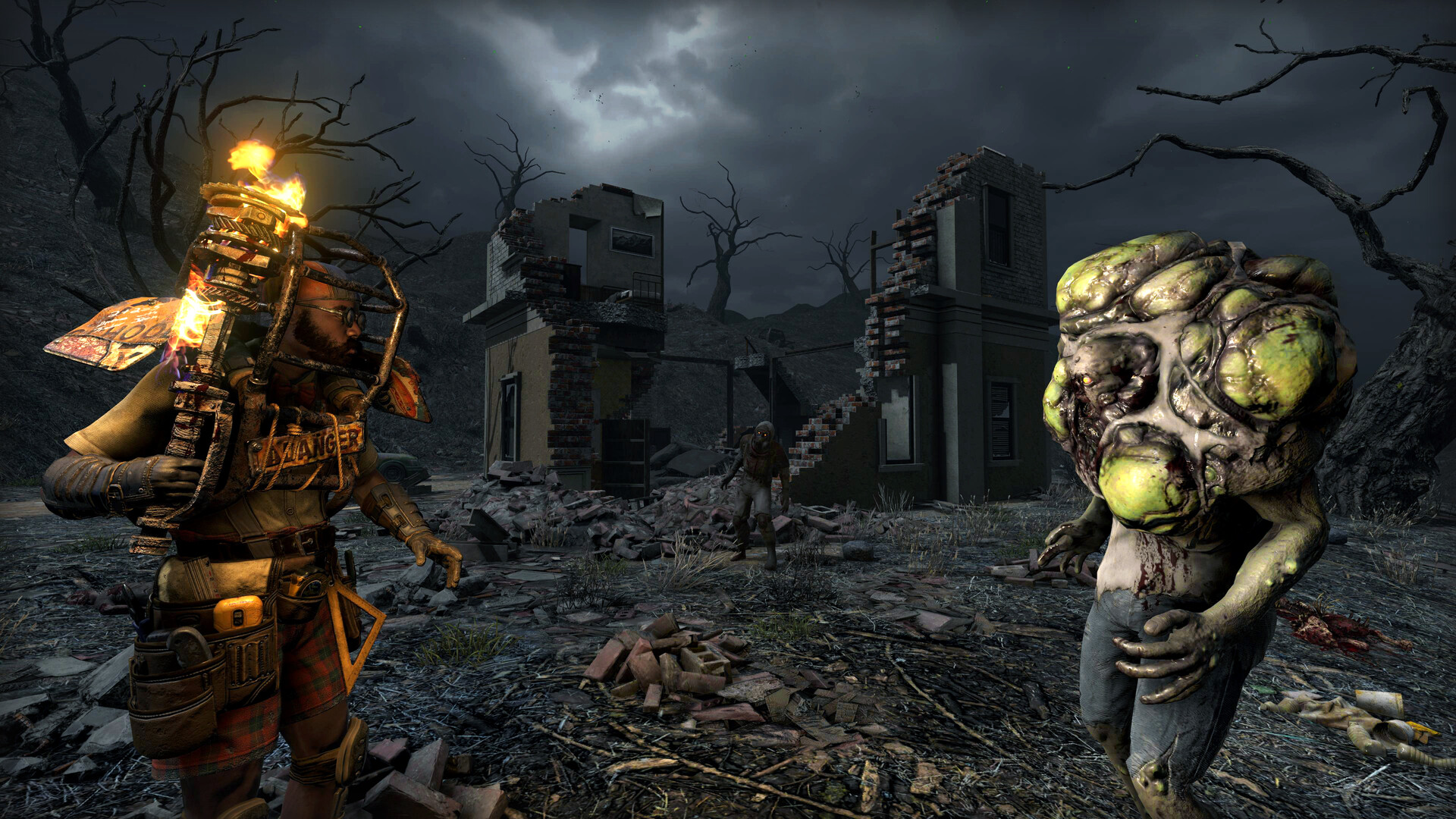
HyperNode 7DTD servers support the 1.0 release and the big overhaul mods — Darkness Falls, Undead Legacy, War3zuk — plus full serverconfig.xml editing and scheduled restarts to keep memory in check on long-running maps.
Setting up 7 Days to Die: with HyperNode vs. going it alone
With HyperNode
- 1Pick your plan and region — checkout takes two minutes
- 2Server deploys automatically and boots within minutes
- 3Manage everything from one dashboard: console, files, mods, backups
Self-hosting
- Rent bare hardware, install SteamCMD, and fight dependency errors
- Write and maintain config files and launch scripts by hand
- Set up port forwarding, firewalls, and DDoS mitigation yourself
- Keep a machine running (and patched) 24/7 at home
- Re-do the update dance every time the game patches
7 Days to Die guides & resources
Frequently asked questions
Create your 7 Days to Die server today
Instant activation, backed by our 72-hour money-back guarantee.