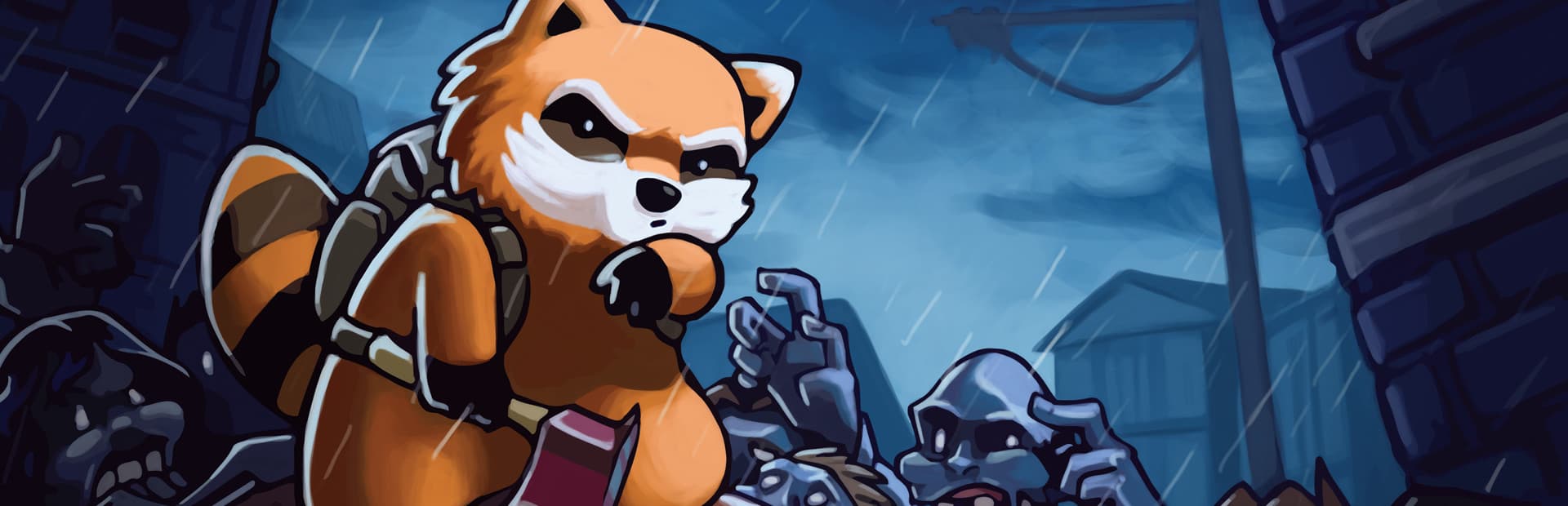
Project Zomboid Server Hosting
This is how you survived. Persistent Knox Country for your whole group.
Configure your server
Player Slots
Server Location
Monthly price
$7.20
Instant setup · 72-hour money-back guarantee · Cancel anytime
Workshop Collections
Paste a collection ID and mods sync automatically.
Branch Switching
Run stable B41 or opt into B42 beta from the panel.
Sandbox Editor
Every sandbox variable editable without touching files.
Safe Soft Resets
Wipe the world, keep player data — one click.
A control panel that stays out of your way
Your Project Zomboid server comes with the full HyperNode panel — live console, file manager, mod installer, backups, and schedules in one fast dashboard.
- Live web console
- Full file manager
- One-click mod installer
- Off-site backups
- Startup variable editor
- Scheduled tasks & restarts
▋Why host a dedicated Project Zomboid server?
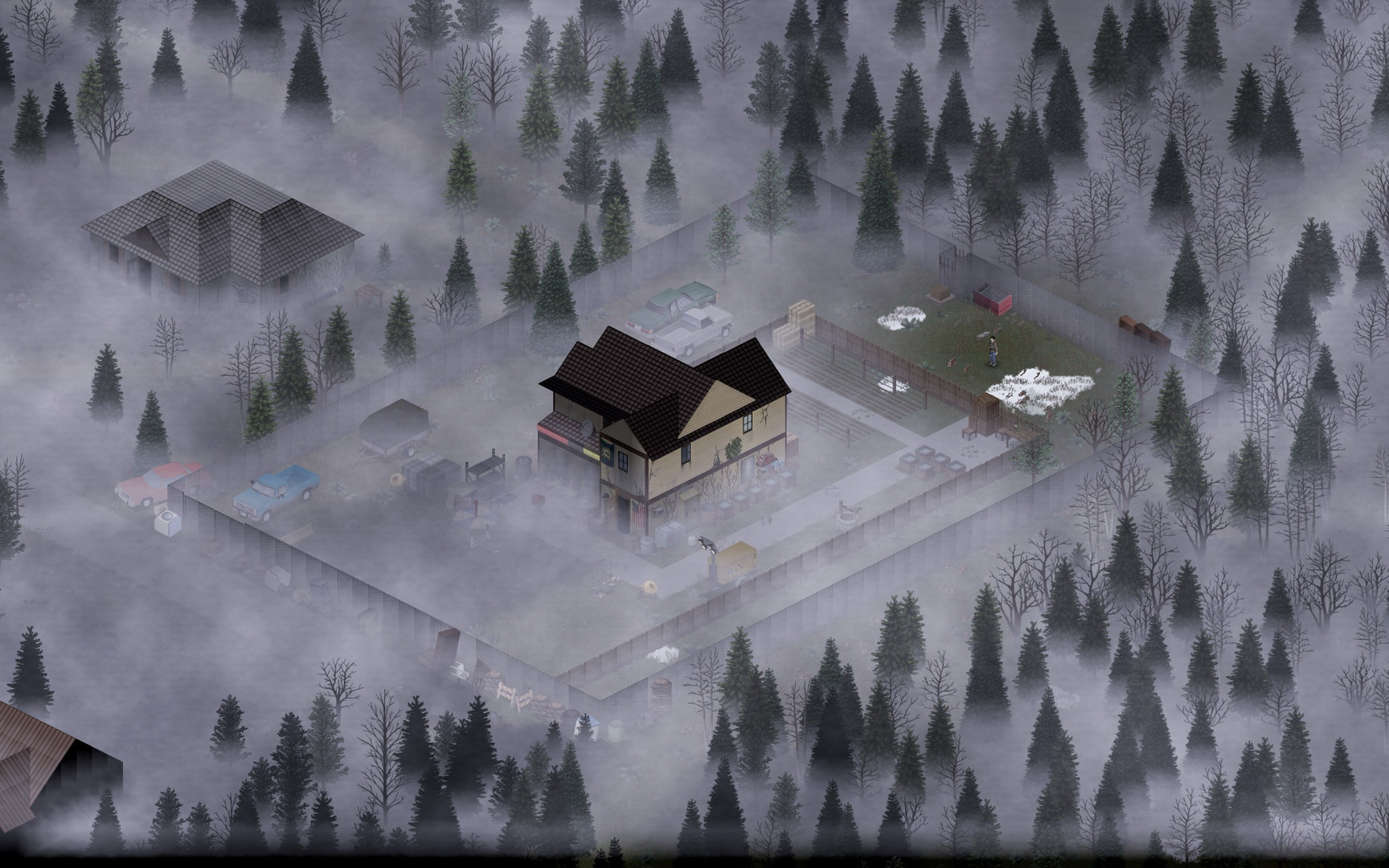
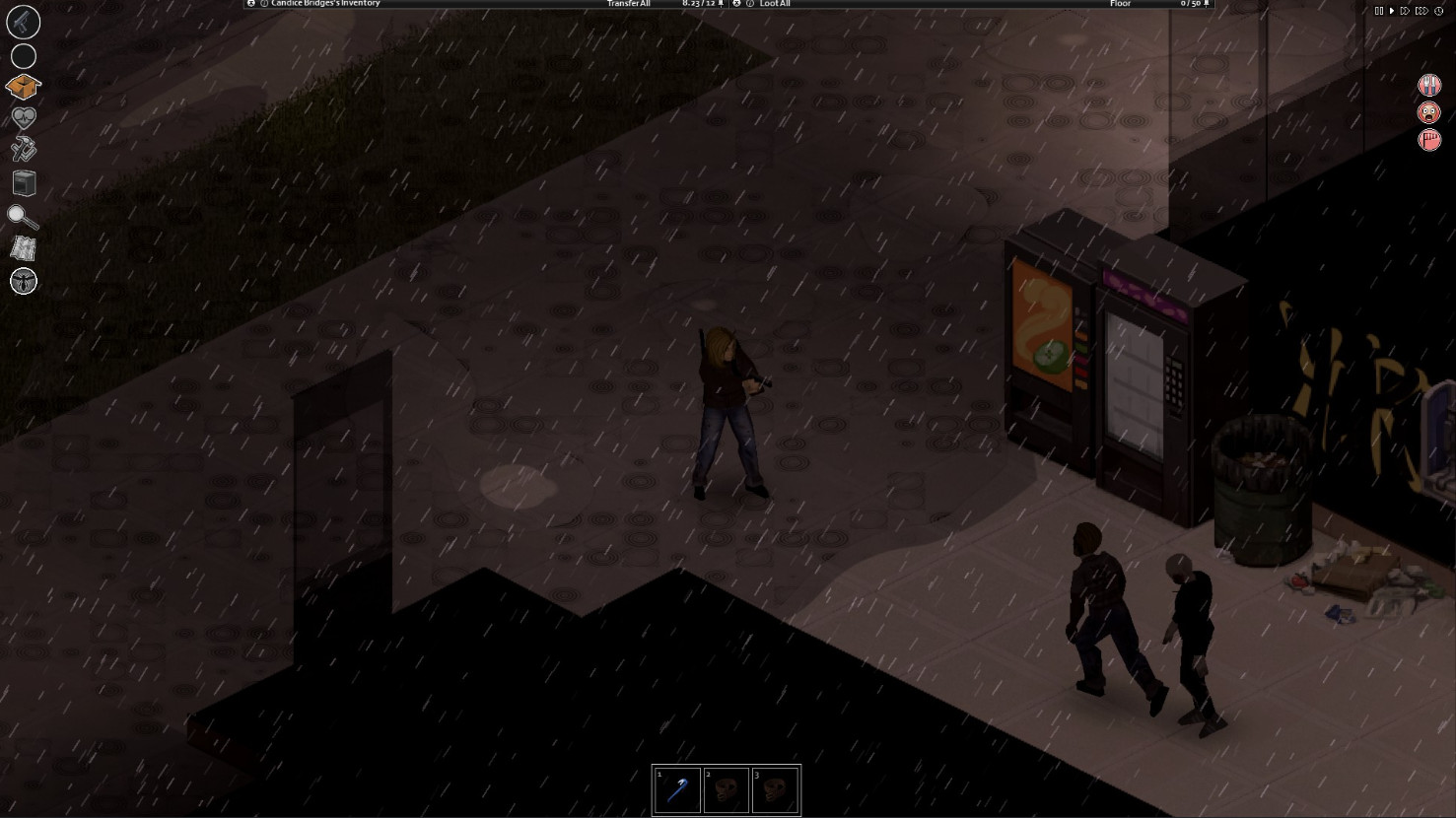
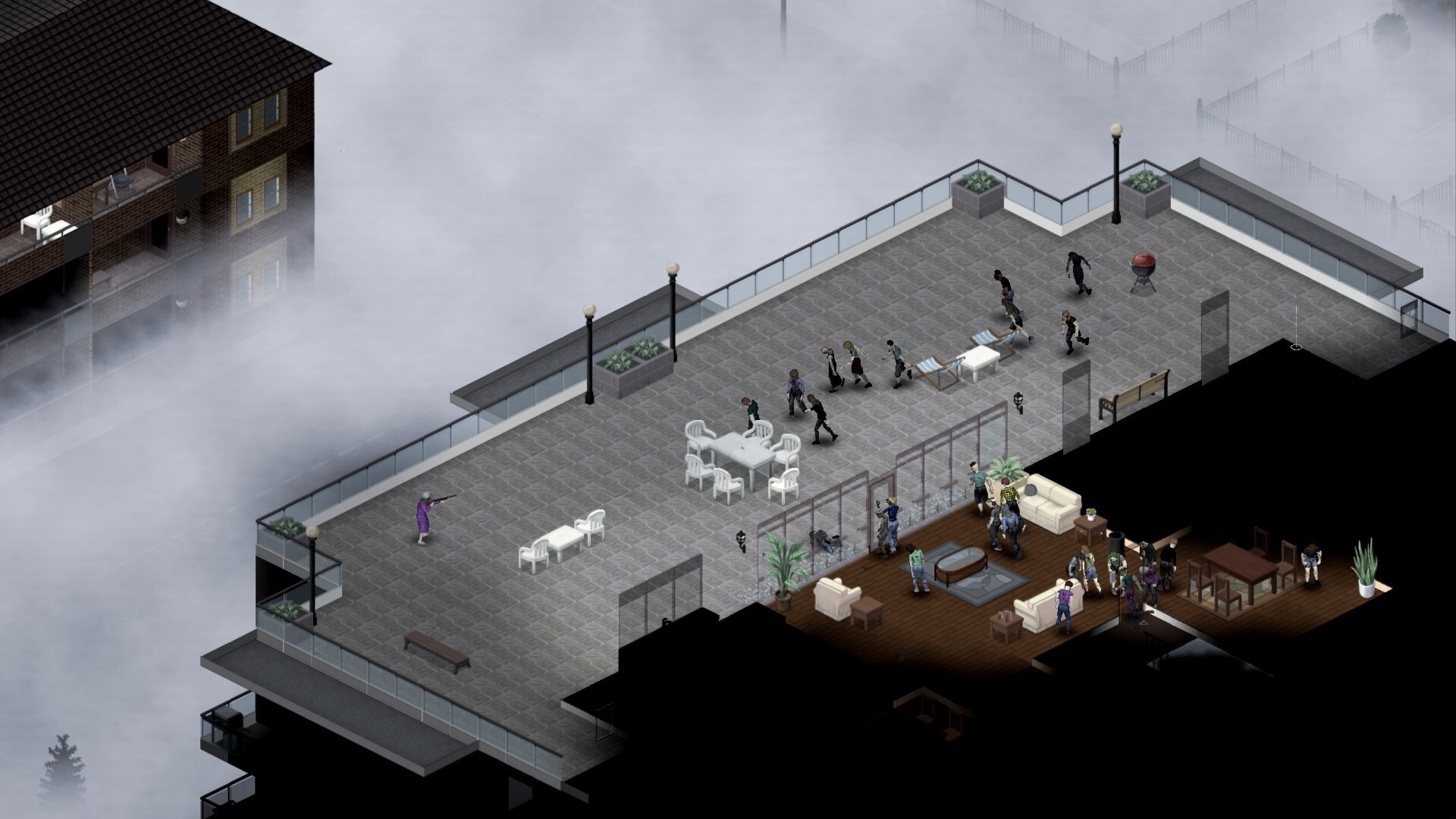
Project Zomboid is the deepest zombie survival sim ever made — and multiplayer Knox Country is where it shines. A dedicated server means the world keeps its state: barricades hold, crops grow, and the horde keeps shambling whether or not anyone's online.
HyperNode Zomboid servers handle Steam Workshop mod collections gracefully, support Build 41 and Build 42 branches, and make sandbox tuning, soft resets, and admin management simple through the panel.
Setting up Project Zomboid: with HyperNode vs. going it alone
With HyperNode
- 1Pick your plan and region — checkout takes two minutes
- 2Server deploys automatically and boots within minutes
- 3Manage everything from one dashboard: console, files, mods, backups
Self-hosting
- Rent bare hardware, install SteamCMD, and fight dependency errors
- Write and maintain config files and launch scripts by hand
- Set up port forwarding, firewalls, and DDoS mitigation yourself
- Keep a machine running (and patched) 24/7 at home
- Re-do the update dance every time the game patches
Frequently asked questions
Create your Project Zomboid server today
Instant activation, backed by our 72-hour money-back guarantee.